How do I use Little Wheels with speech therapy clients?
Match the Phoneme Soundboard stage to the client's current target, introduce the app for five minutes in session with the parent watching, then assign it as structured home practice — five to ten vehicles on one sound, five to ten minutes daily, with the printable handouts. For teletherapy, either screen-share your copy or coach while the family runs theirs. The app is a practice context, not a measurement tool: it collects no data by design, so progress stays on probes you run yourself.
This is the page for the workflow question: you have a client, you have Talk & Listen, and you want to know which feature goes where. It covers in-session use, home practice assignment, teletherapy, and waitlist families — and it is honest about the seams, because you will hit them faster than a parent would.
The Five Features, Clinically
| Feature | What it is | Where it earns its place |
|---|---|---|
| Phoneme Soundboard | Sound practice in four stages ordered by phonological complexity | Elicitation and home drill — the core clinical feature |
| Call-and-Response | Model, fixed pause, space for the child's attempt | Teaching parents the prompt-pause rhythm without a lecture |
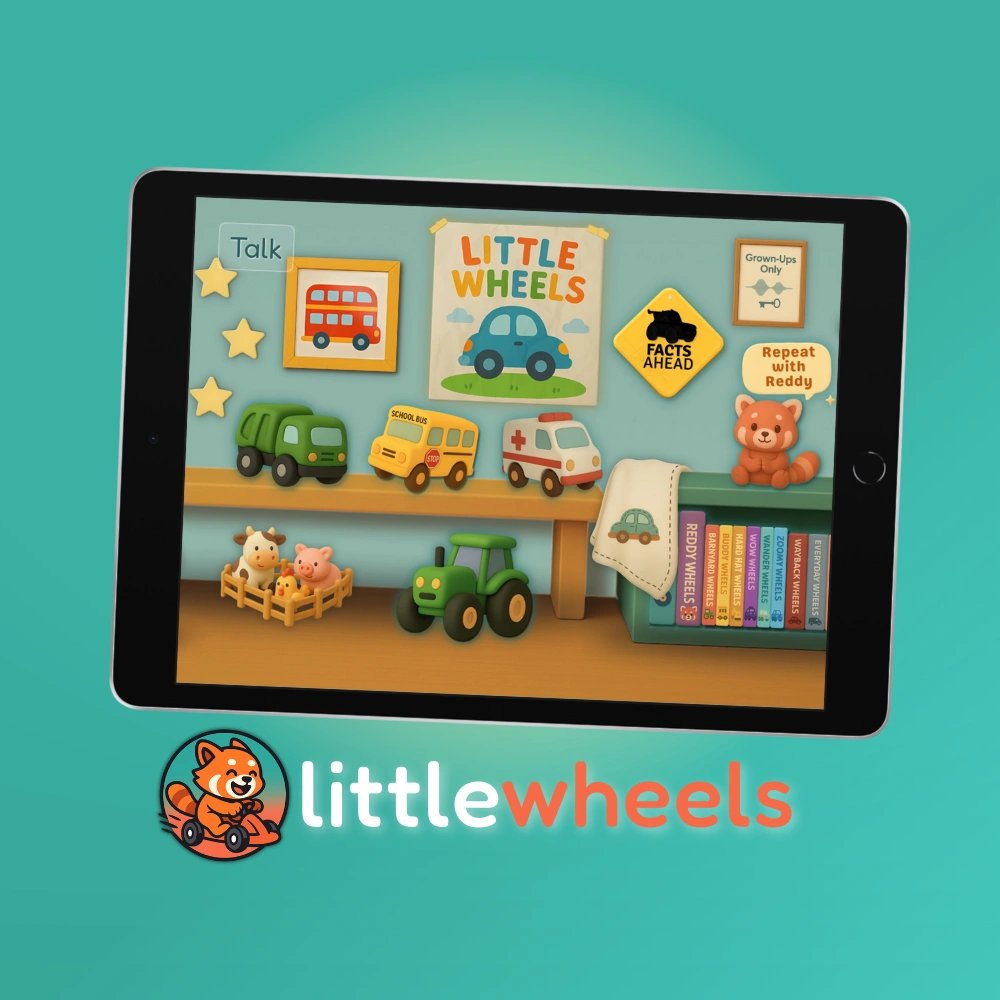
| Vehicle Showroom | 100+ vehicles organised by pronunciation difficulty | Picking target words a vehicle-obsessed child will volunteer for |
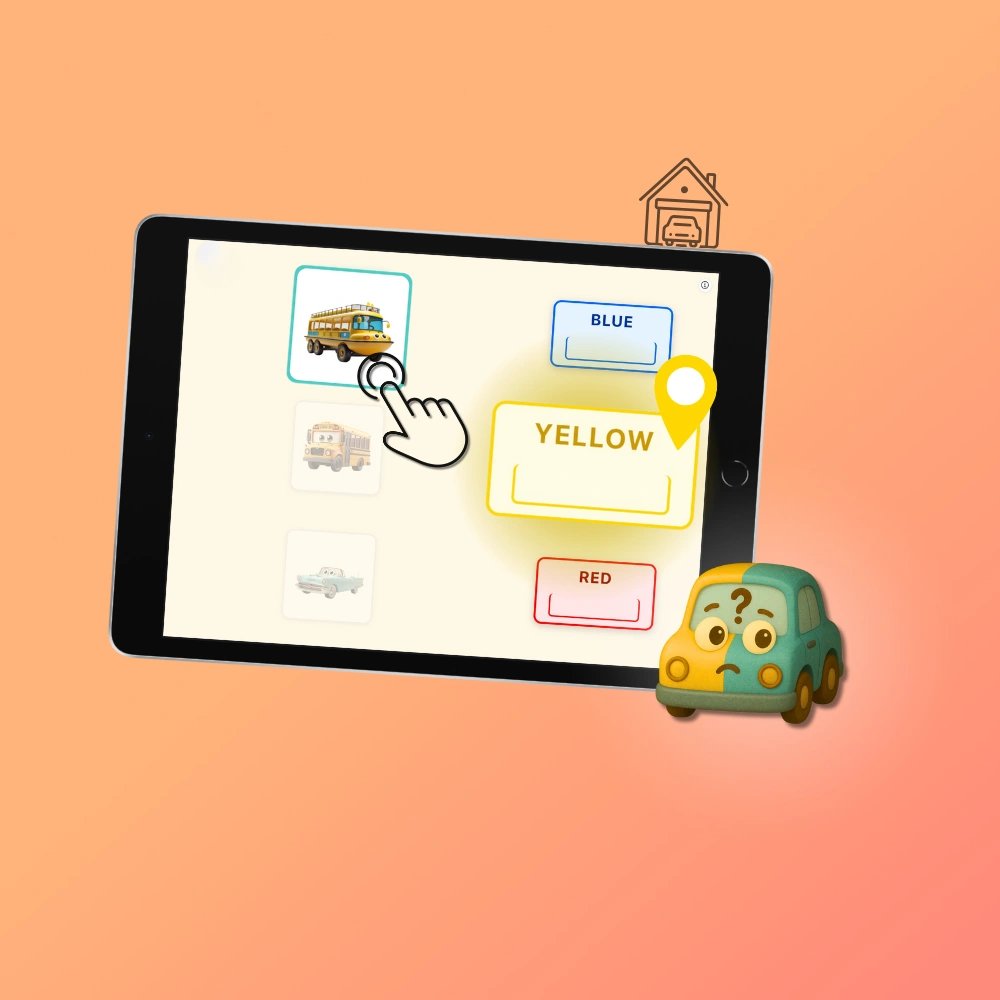
| Talk Mini-Games | Eight short activities targeting specific skills | Reinforcer after drill blocks; variety across a home practice week |
| Vehicle Tales | Twelve interactive books with word highlighting and own-voice recording | Shared book reading; recording a familiar voice as the model |
One structural fact shapes everything below: the app has no accounts, no profiles, and no data collection. That is why it works fully offline and why recommending it involves no governance conversation — and it also means any per-client state lives in your notes, not in the app.
In Session
Match the stage to the target, not the age. The four stages run from early stops and nasals (Stage 1, Easy Engine Bay, /p b m t d k g/) through fricatives and early blends (Stage 2, Hissy Highway) and /r/ with its clusters (Stage 3, Rumble Roadway) to the late six (Stage 4, Tricky-Six Test Track, /l ʃ ʒ dʒ tʃ ŋ/). The age bands printed on them are browsing defaults for parents; clinically, the stage containing the current target is the right one regardless of birthday.
Keep in-session app time to five to ten minutes as one station among several. The app's scaffolding — known target, predictable prompt, fixed pause, visual cue — is what makes independent practice possible at this age, and it is also why in-app accuracy overstates generalisation. The productive pattern is to elicit with the app, then take the same targets out of it while the child is still engaged: the toy truck, the window, you.
If the parent is in the room, run the app block in front of them on purpose. The single highest-value thing to transfer is your rhythm — model, wait, receive whatever comes back, praise the attempt. Parents who have watched you do it copy it; parents who get it as verbal instructions reliably compress the pause.
Assigning Home Practice
The assignment that survives a week between sessions is narrow:
- Five to ten vehicles, one sound. Pick them from the stage in session, ideally with the child, so the assignment arrives home pre-endorsed.
- Five to ten minutes daily, framed as a ceiling as much as a floor — a parent who believes more is better will turn a working routine into a refused one by Thursday.
- Send the printables, not a verbal summary. The sound-targets sheet marks which vehicles are the assignment, and the phoneme-transfer handout explains taking sounds from app to daily life. Both are in the SLP handout pack, print-ready.
- Tell the parent what does not count. Prompted repetitions are practice, not progress. If you want a tally kept, one target and unprompted productions only — the parent-facing version of that method is written up here if a link is easier than an explanation.
The app's contribution to this arrangement is the two things home programmes actually fail on: it supplies the correct audio model so the parent never has to produce a sound they cannot, and it is a practice context a two-year-old asks for, which is most of the adherence battle.
Teletherapy
Two setups work, and they fail differently:
- You share, they respond. Screen-share your copy, drive the Soundboard yourself, child produces the target on camera. Most control, least child agency — good for structured drill, less good for the engagement the app is bought for.
- They run it, you coach. The family opens their copy, the child taps, you watch and cue. This is the better session and the worse logistics: there is no shared session state, so you see the screen only if the camera points at it or the parent narrates. Worth setting up the camera angle before the session, not during it.
The offline design helps on both sides — nothing to log into, nothing that lags, nothing that breaks when the clinic wifi does. The seam is purchasing: there are no linked accounts, so your device and theirs each need their own copy at $4.99. For a teletherapy caseload that is usually one copy on your iPad plus one per family, recommended rather than provisioned.
Waitlist Families
For families holding a referral and a six-to-twelve-month wait, the app is a defensible thing to hand over precisely because of what it does not claim: it is not therapy, it does not assess, and it will not generate a reassuring number that convinces a family the wait no longer matters. What it gives them is structured, correct-model practice and a daily routine that is doing something — which is also a genuine answer to the anxiety, without being a false one. Pair it with the late talker guide so the family also knows what to watch for while they wait.
Measuring Whether It Is Working
Not from the app. It does not score, track, or report on a child — a design position, argued in full in the carryover tracking guide, which also carries the working method: four contexts baselined before home practice starts, short clinician-run probes, and the gap between the app column and the spontaneous column read rather than either number alone. If you use one other page from this cluster, use that one.
Licensing and the Boundaries
- $4.99, once, per device. No subscription, no per-seat licence, no restriction on professional use across a caseload.
- No accounts, no child data, fully offline. Nothing to disclose, nothing to govern.
- Not an assessment, not a scoring instrument, not therapy. It is a practice context, and the pages on this site are written to keep it inside that claim.
The full professional position, including how 25+ SLPs describe using it, is on the professionals page and in the testimonials. Licensing questions not covered here: sean@recordcreativeco.com.

 Ad-free & offline ready