Toddlers who love construction vehicles will happily stay engaged with excavator coloring pages—especially when the setup is simple and the experience is calm. This turns a common fascination into a daily routine that strengthens fine-motor control and language without pressure or mess.
Coloring offers developmentally rich practice: hand strength, wrist stability, controlled strokes, and visual scanning. When you pair it with authentic words like boom, stick, and bucket, you also build vocabulary and attention through something your child already adores.
What makes excavator coloring good for toddlers?
It combines strong intrinsic motivation (vehicles!) with short, calm practice of slow strokes, simple choices, and tracing. You get real fine‑motor gains and focus without pressure or complex crafts.
Digital Coloring Apps vs Traditional Coloring
Digital coloring apps offer unique advantages for toddlers, especially those obsessed with vehicles:
- Unlimited colors and unlimited tries: No running out of crayons, no permanent mistakes
- Zero mess: Perfect for restaurants, car rides, or apartments
- Built-in vehicle variety: 100+ excavators, bulldozers, and construction vehicles to color
- Audio reinforcement: Apps can pair coloring with naming vehicle parts
- Instantly saveable: Save every creation without piles of paper
For a complete comparison of toddler-friendly coloring apps, see: Best Toddler Art Apps (Quiet Time + Travel Ready).
🚜 Excavator Apps for Construction-Obsessed Kids
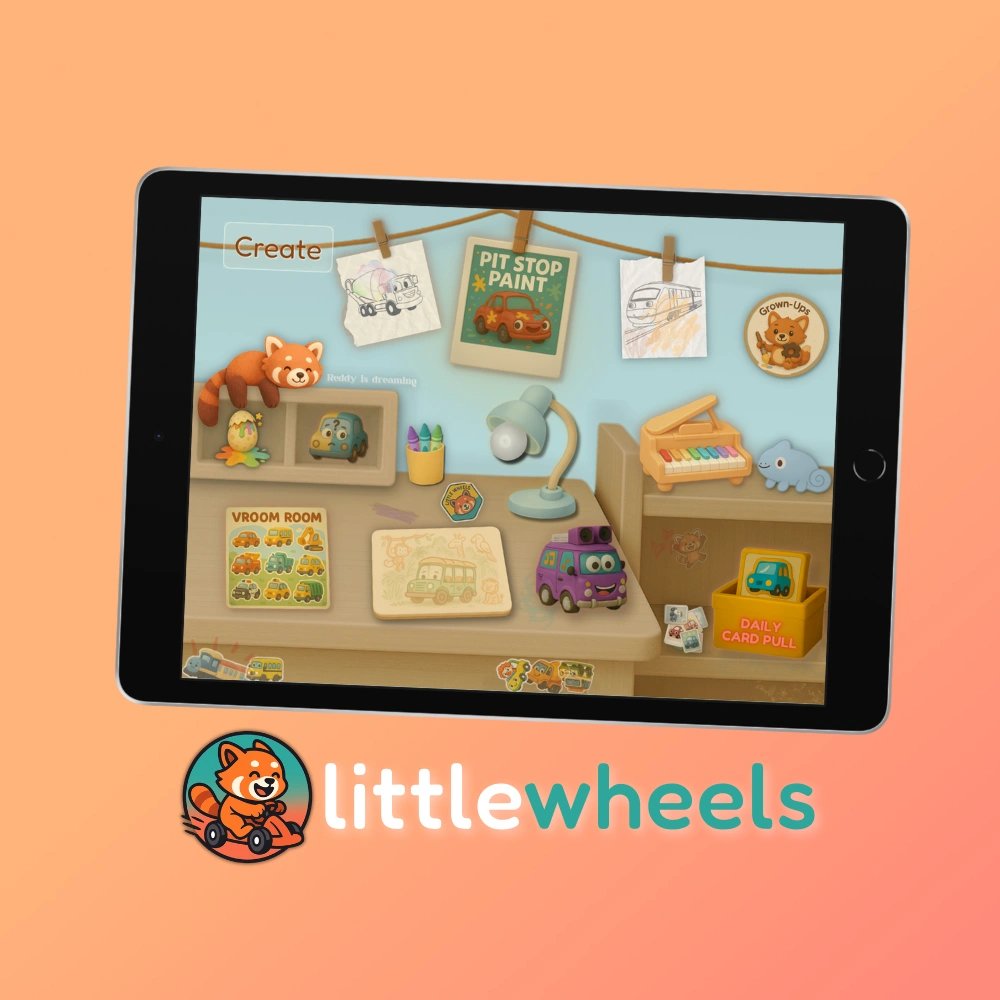
Little Wheels features excavators, bulldozers, dump trucks, and 100+ construction vehicles designed to support speech development and creative expression through your child's natural interests.
Looking for a full parent guide on digital art setups? Read our Mess‑Free Art Apps: Digital Solutions for Real Parents to compare options and get practical setup tips.
Why Excavator Coloring Works So Well
 Why Excavator Coloring Works So Well
- Intrinsic motivation: Vehicles invite longer attention without external rewards.
- Built‑in language: Label parts while you color—boom, stick, bucket, tracks.
- Fine‑motor progression: Start with big outlines and vertical strokes, then add curves and small details.
- Calm by design: Limited choices and clear lines reduce overwhelm and support regulation.
A Simple Progression That Builds Skills
 A Simple Progression That Builds Skills
Step 1: Finger Tracing
Guide your child's finger around the thick outline. Say the part names as you go. This builds control before adding a crayon.
Step 2: Big Slow Strokes
Offer one color. Model slow vertical strokes first (easier). Celebrate control and effort.
Step 3: Parts Practice
Color only the bucket or tracks today. Label, move your arms like the part, and keep it short and positive.
Step 4: Scene Building
Add a dump truck or pile of rocks. Two‑vehicle scenes encourage planning and longer attention.
Common Pitfalls (and Easy Fixes)
Too Many Choices
Offer 2–3 crayons max. Rotate colors tomorrow to keep novelty high and decisions simple.
Over‑Correcting
Skip “stay in the lines.” Instead, notice control: “You slowed down on the bucket.” Process praise fuels confidence.
Session Too Long
End while it's still fun. Two short wins beat one long, frustrating session every time.
🚜 Explore Excavator Parts, Sounds & Real-World Facts
Extend your child's excavator fascination with detailed information about hydraulic movements, digging sounds, construction site facts, and vocabulary building. Perfect for answering "why" questions during coloring time.
See Excavator Details →You Might Also Like
- Best Toddler Art Apps (Quiet Time + Travel Ready)12 mins
Compare digital art apps perfect for quiet time, restaurants, and travel. No cleanup, offline, ad-free. Real parent reviews and ratings.
- The Simple Waiting Game That Helps Toddlers Talk More (Speech Therapist Approved)9 mins
Stop filling the silence. This one simple technique—used by every speech therapist—gives your toddler time to think and respond. How to use strategic pauses to encourage more talking at home.
Tip: If your child resists crayons, try dot markers or triangle crayons for easier grip. For mess‑free practice, explore Create & Play's calm, open‑ended drawing studio.